
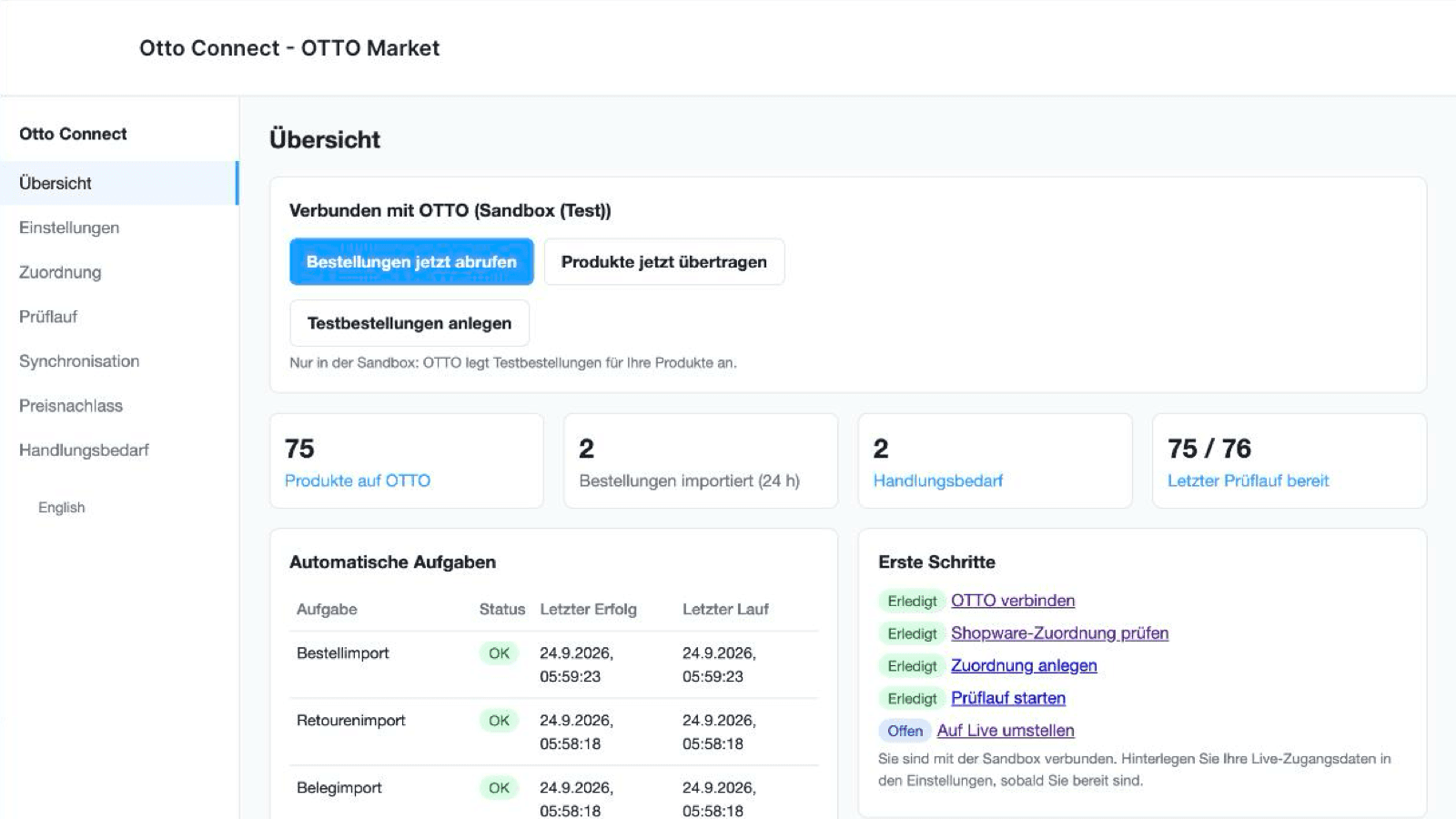
OTTO Market requires an EAN, an OTTO category with its mandatory attributes, a known brand and product-safety data on every product. Otto Connect maps your products to those rules with a visible mapping editor and runs a dry run that lists exactly what OTTO would reject before anything is sent.
Stock and prices are sent only when they change; a safe mode blocks accidental zeroing of your OTTO stock. OTTO orders are created in your shop with VAT per line, shipping costs and a normalised German address, including Packstation, in the sales channel you choose. When a delivery is marked as shipped, the tracking number and carrier go back to OTTO. Cancellations flow in both directions and OTTO returns are recorded on the order.
OTTO only sells an item once it is assigned to an OTTO shipping profile. In the settings you pick one of your OTTO shipping profiles or create one in the app, and every transferred item is assigned to it automatically. The invoices and credit notes OTTO issues on your behalf are imported every 30 minutes and attached to the Shopware order as documents. For a shipped item that was not returned, you refund part of the price from the Price reduction page; refunds made in Shopware are not forwarded to OTTO.
Every problem is explained in German or English with the next step. The app is an App System extension: nothing runs on your server, it works on Shopware cloud and on self-hosted Shopware 6.7.
What it does
- Shopware App System, cloud-compatible
- Settings module in the administration
- Same mapping, dry run, order import and shipment flow as the Shopify app
- Pick or create an OTTO shipping profile, every item assigned automatically
- OTTO invoices and credit notes attached to the Shopware order as documents
- Price reductions on shipped, not returned items
What it does not do
- Available after the Shopify app; pricing set inside the Shopware Store